01 · Scope
Choose the slicing method from the source layout
Use grid slicing when
Every frame has the same cell size and the rows, columns, offsets, and gaps are known. A grid cutter is faster and preserves empty cells deliberately.
Use object detection when
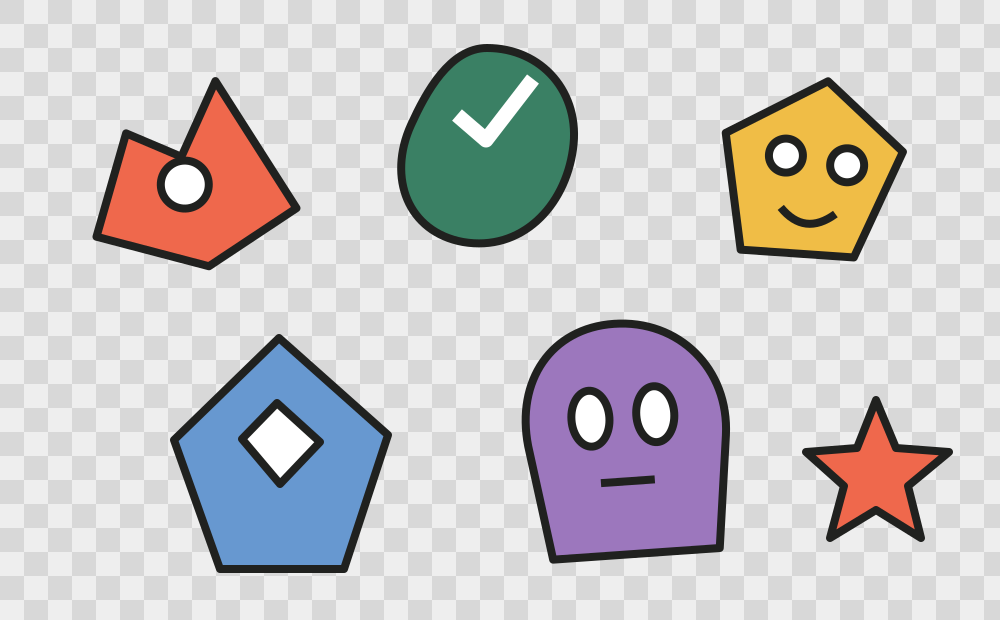
Characters, props, stickers, or icons have different sizes and spacing. Detect visible islands, then correct any touching or missed objects before export.
02 · Workflow
A repeatable four-step extraction workflow
- Load the source locallyChoose PNG, JPEG, or WebP. Use a lossless PNG when transparency or pixel-perfect edges matter. The source image remains in the current browser.
- Review every detected regionCheck ordering, edge coverage, shadows, detached fragments, and objects that touch. Move, resize, merge, delete, or redraw boxes rather than trusting automation blindly.
- Set a production output profileChoose tight or fixed canvases, transparent padding, bottom-center or center alignment, sequential names, and either crisp pixel-art or smooth-game edges.
- Export and inspect the delivery packageDownload individual PNG files or one ZIP with a contact sheet and manifest. Open the contact sheet first to catch missing, duplicated, or misordered assets.
03 · Decision guide
Output choices and when to use them
| Output | Best for | Check before delivery |
|---|---|---|
| Transparent PNG files | Game engines, UI kits, stickers, asset libraries | Clean alpha edges and stable dimensions |
| ZIP archive | Moving the complete extraction as one package | No missing or duplicate filenames |
| Contact sheet | Human review and client approval | Reading order matches the intended sequence |
| JSON / engine manifest | Reproducible imports and automation | Pivot, filter mode, atlas coordinates, and filenames |
04 · Quality gate
Quality checks that prevent expensive rework
- No crop is empty or outside the source image.
- Touching subjects were split manually where necessary.
- Pixel-art assets use nearest-neighbor scaling.
- Fixed canvases share dimensions and intended alignment.
- Transparent padding leaves enough room for effects.
- The contact sheet contains every expected object once.
05 · Questions
What to confirm before you ship
- Can SpriteSplitter split a regular grid?
- Yes, but a dedicated grid cutter is often faster when exact cell dimensions are already known. SpriteSplitter is strongest when objects have irregular sizes or spacing.
- Can it separate objects that touch?
- Completely touching objects may be detected as one region. Delete the combined region and draw separate replacement regions manually.
- Are source images uploaded?
- No. Image decoding, detection, correction, preview generation, and export run in the browser.
06 · Sources
Scope and references
Product behavior described on this page refers to SpriteSplitter version 0.3.0 and the built-in sample workflow.